For everyone the dice touch.
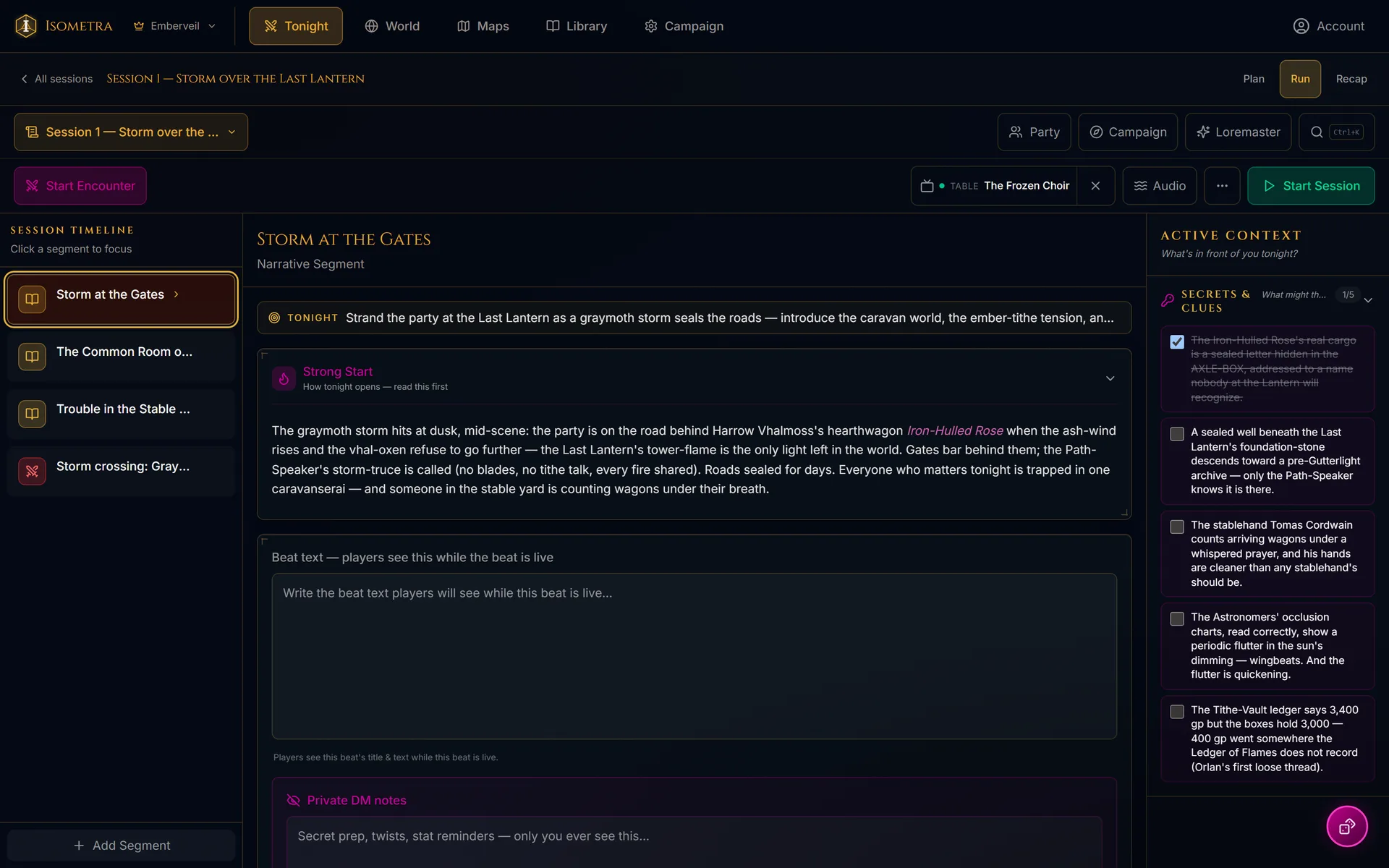
The laptop at the head of the table. Campaign codex, NPC web, world map, encounters.
Read on →The phone in your pocket. Character sheet, spellbook, dice tray, live initiative.
Read on →Maps on the TV, sound in the room, printed cards in hand, players joining by scanning a code. The dice still hit the table.
Read on →The hardest seat
at the table.
Somebody has to run the game, and it is the seat nobody puts a hand up for. The rules are rarely what stops them. It is the hours of prep before anyone arrives, the notebook only you can read, and the moment three months in when a player asks who gave them the map and you realize you cannot remember either.
Isometra exists to make that seat easier to sit in. The DM Command Center keeps the world on the laptop at the head of the table, and the Player Companion puts each character in its player’s pocket. Nobody has to stop the game to go looking for something.
Built for the room you're sitting in.
Most tools for this hobby assume everyone is somewhere else. This one assumes the opposite: you are all around one table, the snacks are already out, and the TV in the corner may as well be showing the map.
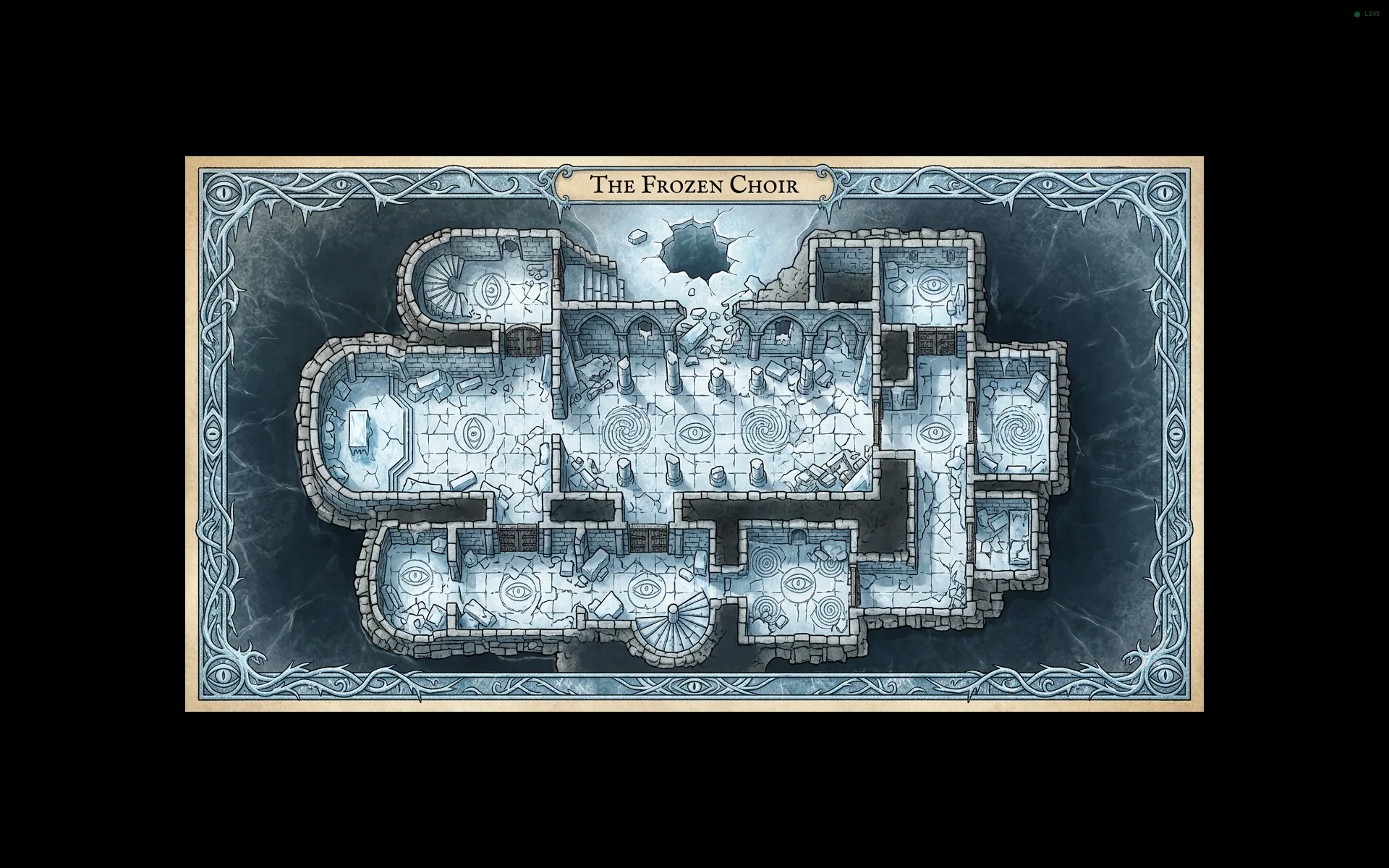
Throw a battle map, a location's art, or an NPC portrait onto the screen everyone is already looking at. Join by code from any TV browser, or cast in one tap from Chrome. Your secrets stay on your laptop.
Three buses for a music bed, layered ambience and one-shot effects, stocked with a properly licensed library, so you can cut the tavern chatter the moment the door slams open.
Print any NPC, item, location or spell as a card with cut guides, in a few sizes, or push a handout to your players' phones in the middle of a scene.
Show the code, they scan it, they make a free account, and they are in. Leave a few prebuilt characters on the table and someone who has never rolled a die can claim one and start playing.
A campaign that remembers itself.
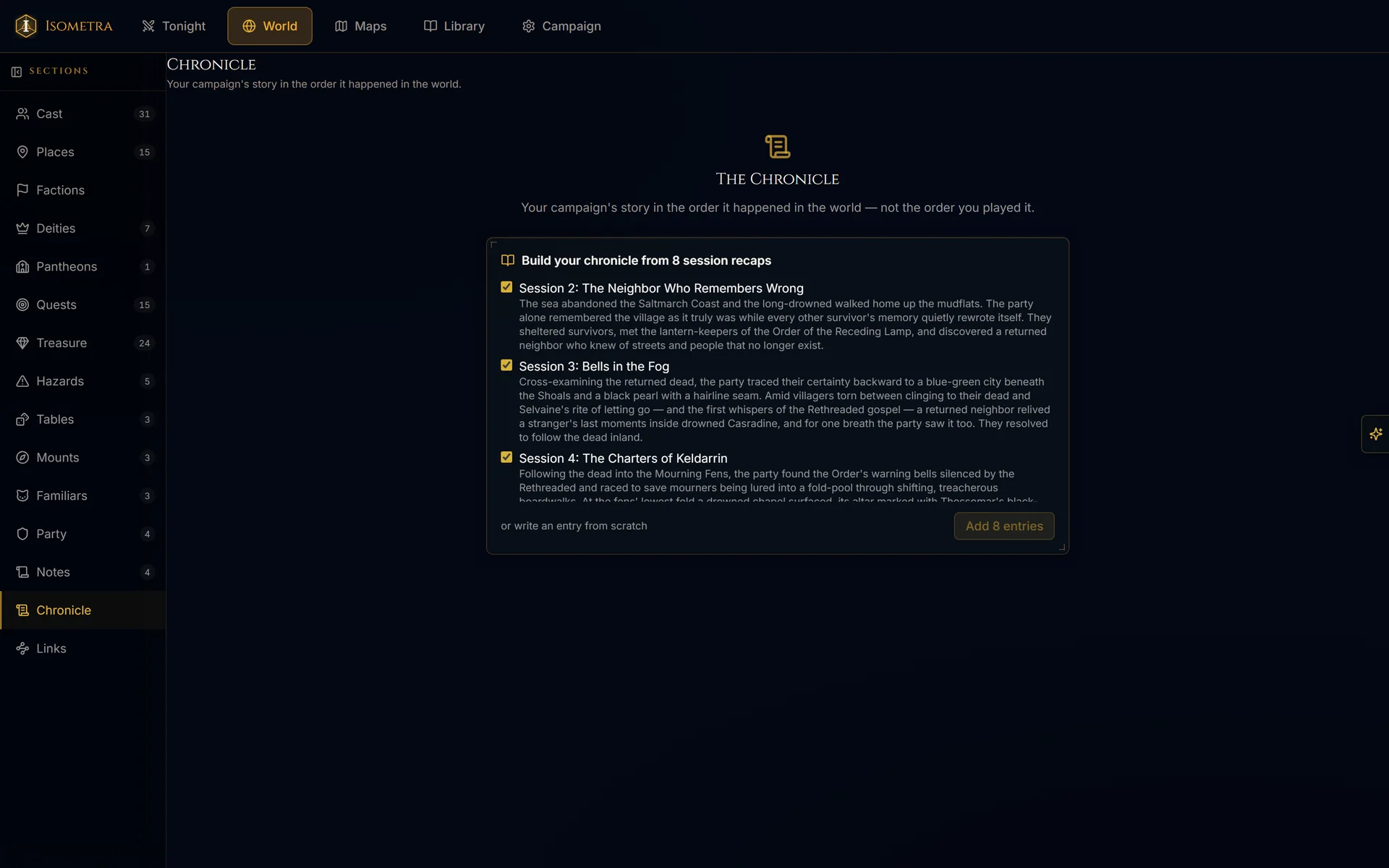
NPCs and the favors they owe, locations and what hides in them, quests and who pulled the thread. Nine sessions later, "wait, who told us about the tide-charters?" is one search rather than twenty minutes of digging through a notebook. The Chronicle builds itself out of the recaps you were already writing, one entry per session, and you keep or cut whatever it drafts.
The web of your world.
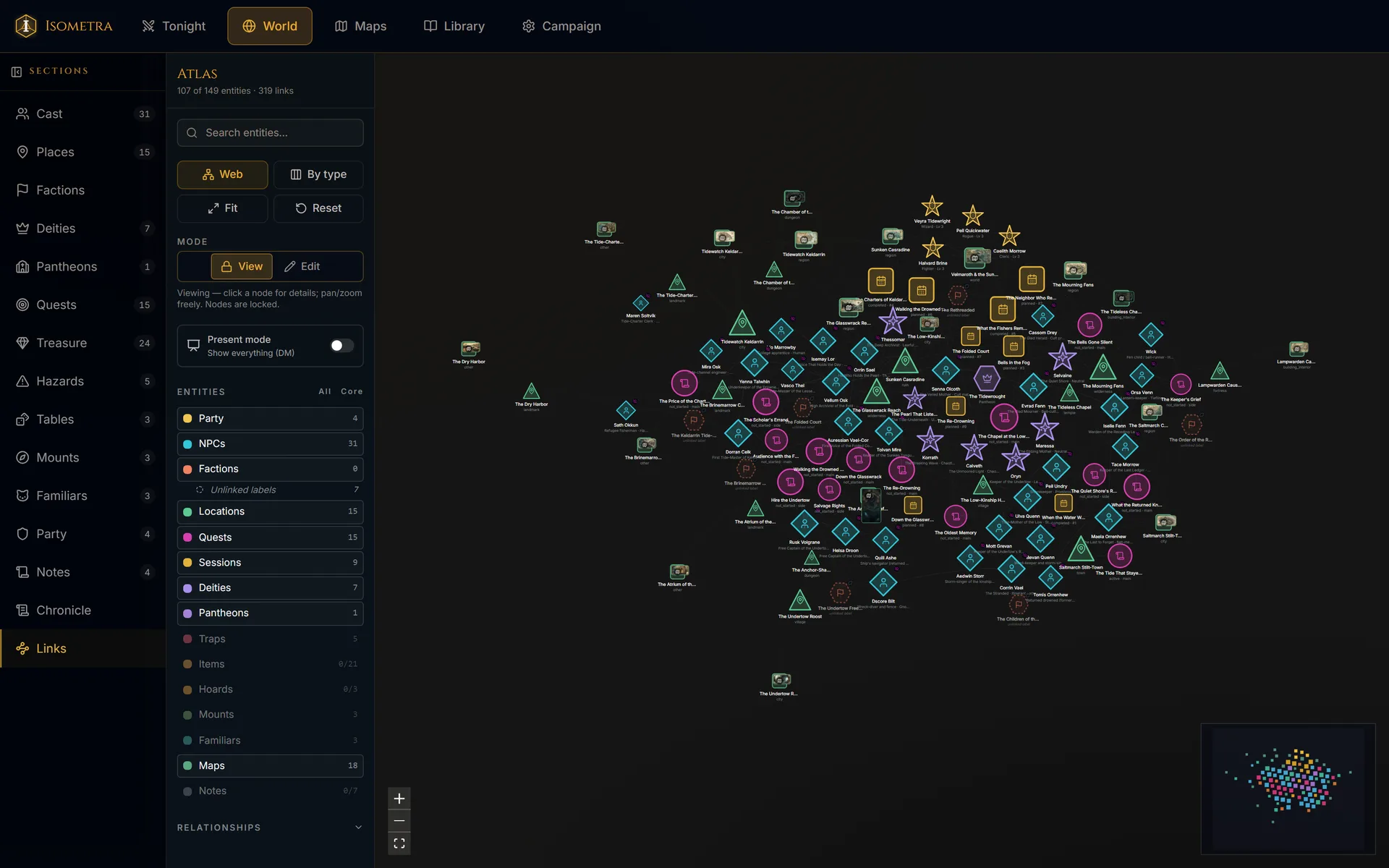
Every NPC, faction, location, quest and deity, drawn as one graph you can actually look at. Who serves whom, what is hidden where, which thread leads to the next one. Click any node and it shows you everything it touches, which is usually more than you remembered putting there.
A map drawn for your world.
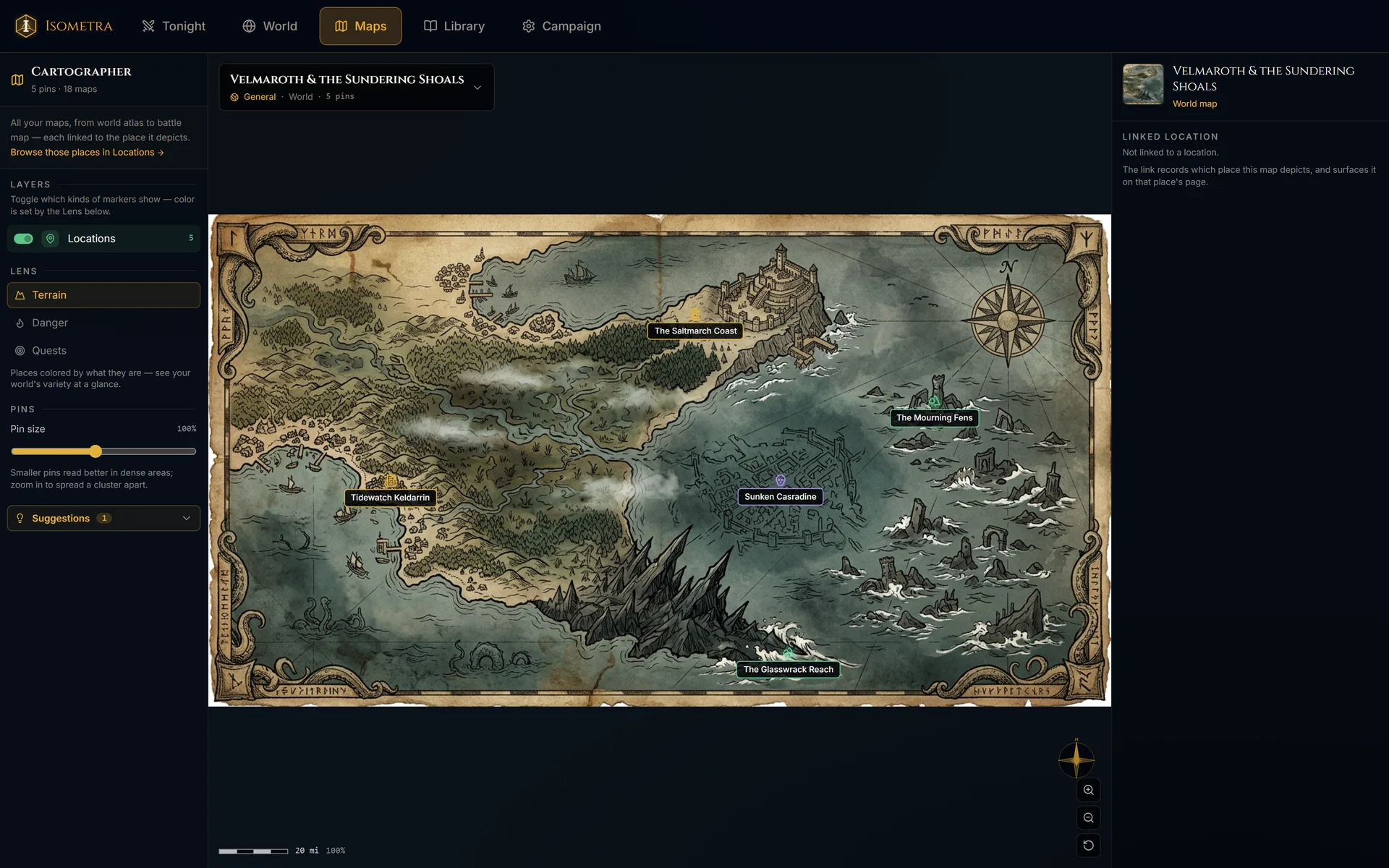
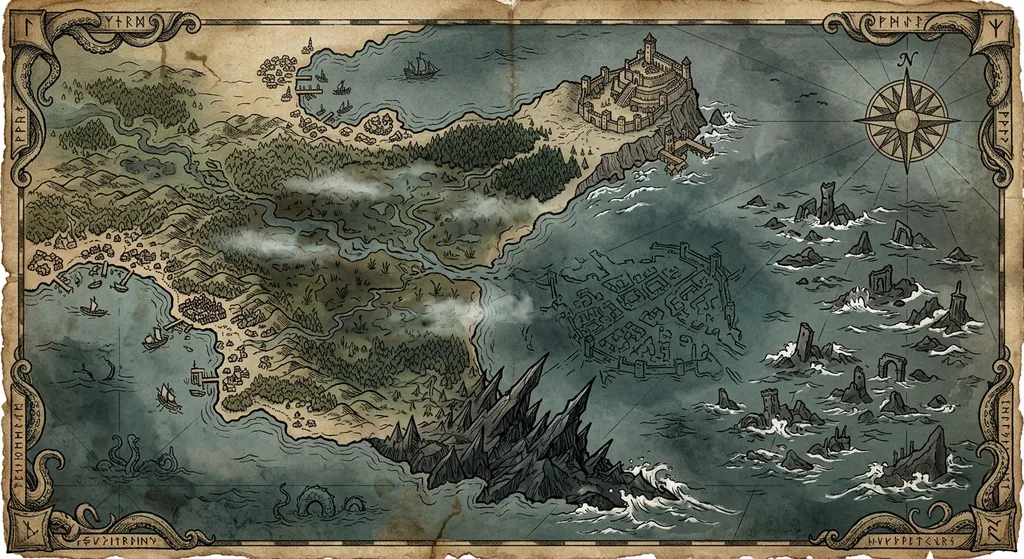
The Cartographer holds your setting as one hierarchy of world, region, city and tactical maps, and pins every NPC, quest, trap and session onto it. In a hurry? The library ships 72 ready-made gridless battle maps: 60 scenes across twenty environments, plus a dozen blank terrains to drop your own miniatures onto. You can always upload your own.
The party, in pocket.
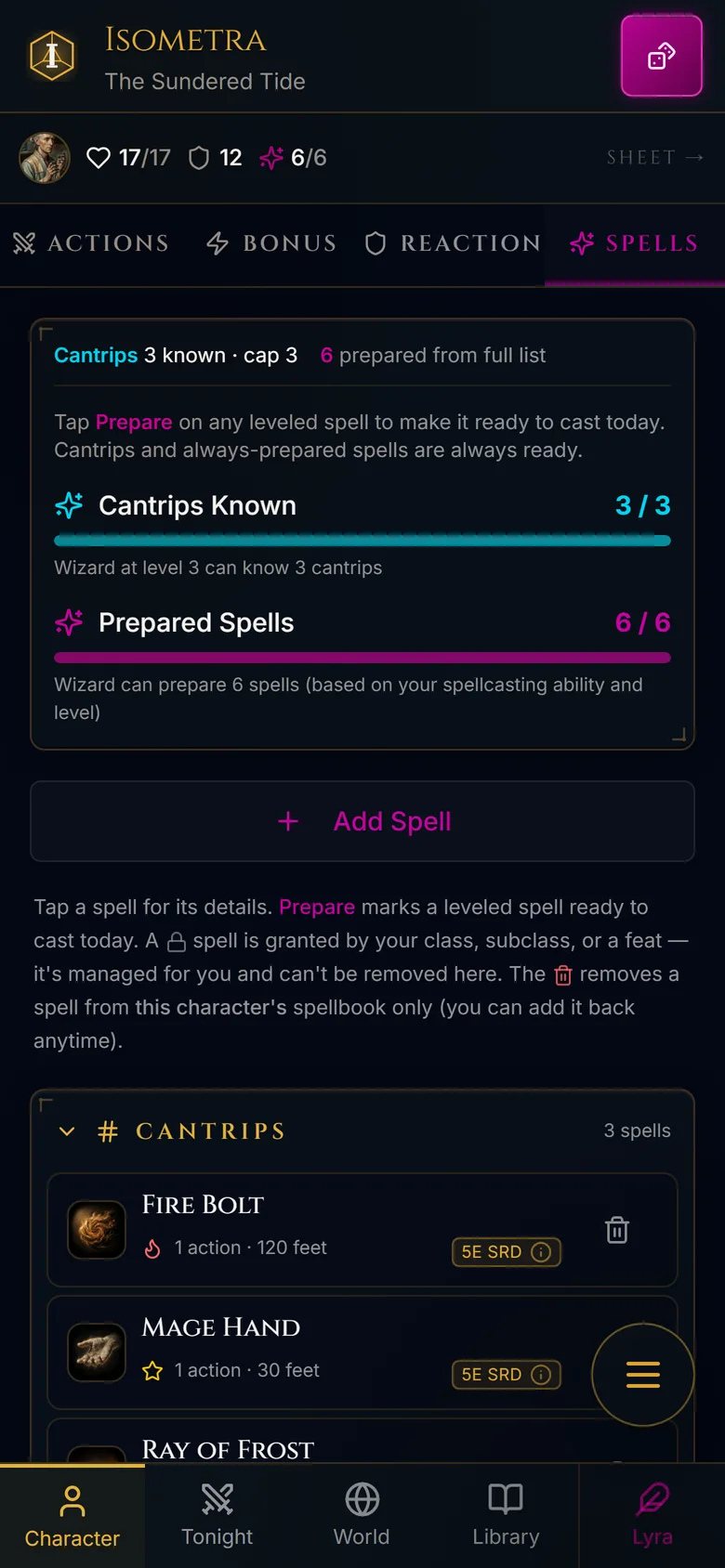
Your players get their character sheet, spellbook, inventory and dice on the phone already in their pocket, reading the same campaign your laptop is. Hand a player an item in the middle of a scene and it arrives on their phone to accept or decline; once they take it, it is in their inventory with exactly the properties you chose to reveal.
Prep help that knows your world.
The Loremaster reads your campaign, not the internet. Ask it about the priestess you invented in Session 2 and it remembers her. Ask it for her rival and a new NPC is written into your cast, statted and linked, in the same editor you would have used by hand. It is meant for the hours before a session, so that during one you can put the laptop down.
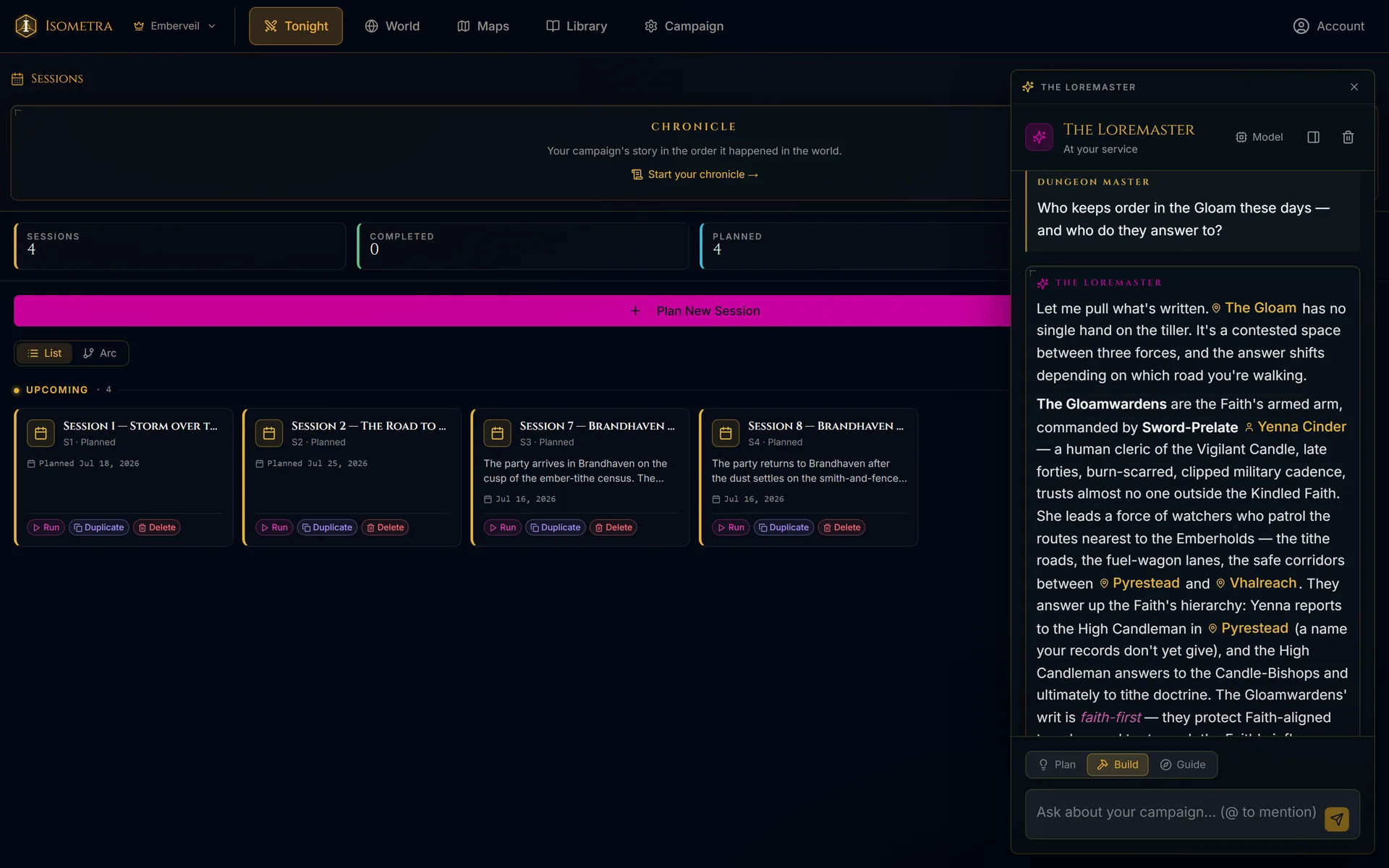
Every answer comes out of your campaign's live state: your NPCs, your quests, your secrets, the session you ran last week. Ask it something your world has no answer to and it will tell you so rather than invent one.
Ask for a rival smuggler and one appears in your Cast, statted, storied, linked to the faction you named. NPCs, locations, quests, factions, pantheons and deities; monsters, spells, items, feats, backgrounds and subclasses; traps, treasure, mounts, familiars, encounters, handouts, random tables and notes. The Loremaster drafts them all, into the same editors you use by hand.
It answers from your campaign's own records, and tells you which ones. It logs everything it does. The writes you would want back, meaning new records, edited fields and whole imports, revert in one click. Generated art is the exception, managed in its own image history instead. Suggestions wait for your approval; the canon is yours.
Start with a world we built.
Ready-to-run starter campaigns with every NPC, map, quest and deity already written. Fork one and it becomes yours to rename, rewrite and break in whatever direction your table takes it.
One subscription, not five.
The usual kit for running a campaign is five separate services that do not talk to each other, which quietly makes the DM the integration layer, copying the same NPC into three of them and keeping all three current.
- a note-taking app for prep
- a virtual tabletop for maps
- an ambience and audio subscription
- a world-building wiki
- a character-sheet service
Isometra is all five in one place, sharing one campaign. The NPC you write once is the NPC on the map, in the session, on the printed card, and in the answer when a player asks who she was.
What it costs to begin.
Players stay free forever. Joining a table costs nothing and always will. Dungeon Masters start free and upgrade for more AI and more campaigns. Stop paying and your world stays yours: every campaign you have made stays readable and editable, exactly as you left it.
For players and dungeon masters answering the call.
- ✦A taste of the AI, enough to see what it does
- ✦3 campaigns · 10 characters
For solo players who want generous AI.
- ✦Generous AI usage for one player's world
- ✦Connect your own AI: Claude, ChatGPT, Cursor
- ✦Unlimited campaigns & characters
For the dungeon master who keeps the world.
- ✦More AI usage, for a table that plays every week
- ✦Connect your own AI: Claude, ChatGPT, Cursor
- ✦Unlimited campaigns & characters
For the chronicler keeping several worlds at once.
- ✦The most AI usage, for a whole table building together
- ✦Connect your own AI: Claude, ChatGPT, Cursor
- ✦Unlimited campaigns & characters
Questions, asked sideways.
Three steps to the first roll.
Name the realm. Bring your own world, fork one from Discover, or start from a blank page.
Show the join code. Your players scan it and pick a character, and prebuilt ones are ready if nobody has made one.
Map on the TV, sound in the room, everyone’s sheet on their own phone. You bring the snacks and the dice.